What Is CodeAndSystem.ai?
A desktop tool for coding and system design interviews. Capture any problem from your screen, get a structured answer in seconds, and stay in your editor.
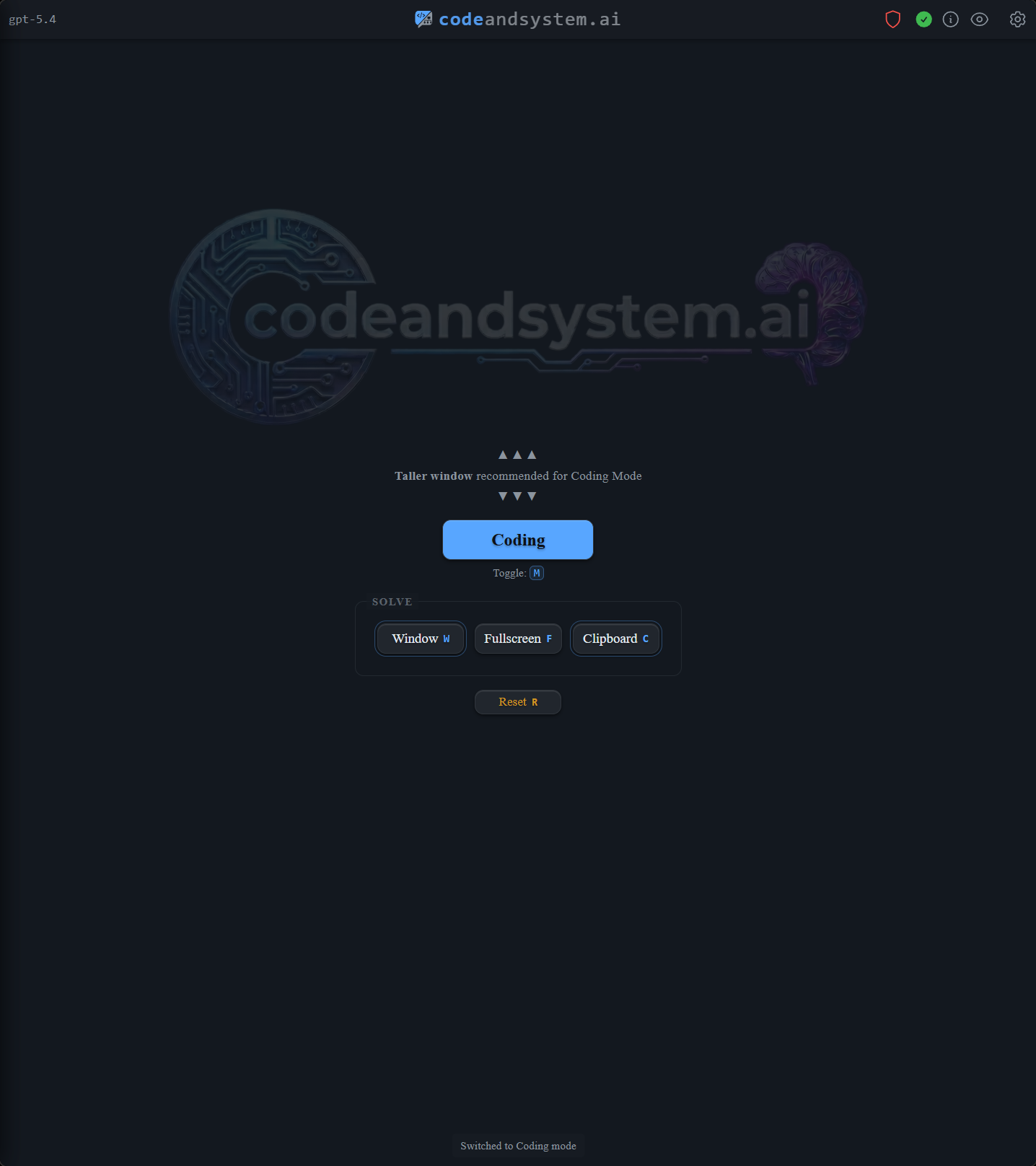
One hotkey instead of a copy-paste loop
Most engineers already use AI for interview prep. The bottleneck isn't the model — it's the workflow.
A browser chatbot makes you copy the problem, paste it into a tab, add context, wait for prose, then translate the answer back into your editor. That's fine when you have time. It's expensive when you're practicing at speed, and even more expensive when you're solving a problem live.
CodeAndSystem.ai keeps the loop on your desktop. Hotkey. Capture. Structured answer. No tab-switching.
Coding mode gives you the shape of a real answer
A working solution is the easy part. Interviewers want the approach, the data structure choice, the complexity, and the edge cases — in roughly that order.
Coding mode returns:
- Approach first, then the implementation
- Time and space complexity alongside the code
- Edge cases worth covering before the interviewer asks
- Follow-ups when the constraints shift mid-problem
It works with LeetCode-style problems, Blind 75 / NeetCode 150 practice, company-style prompts, and any prompt that lives in a browser IDE or PDF.

System design output is calibrated to your level
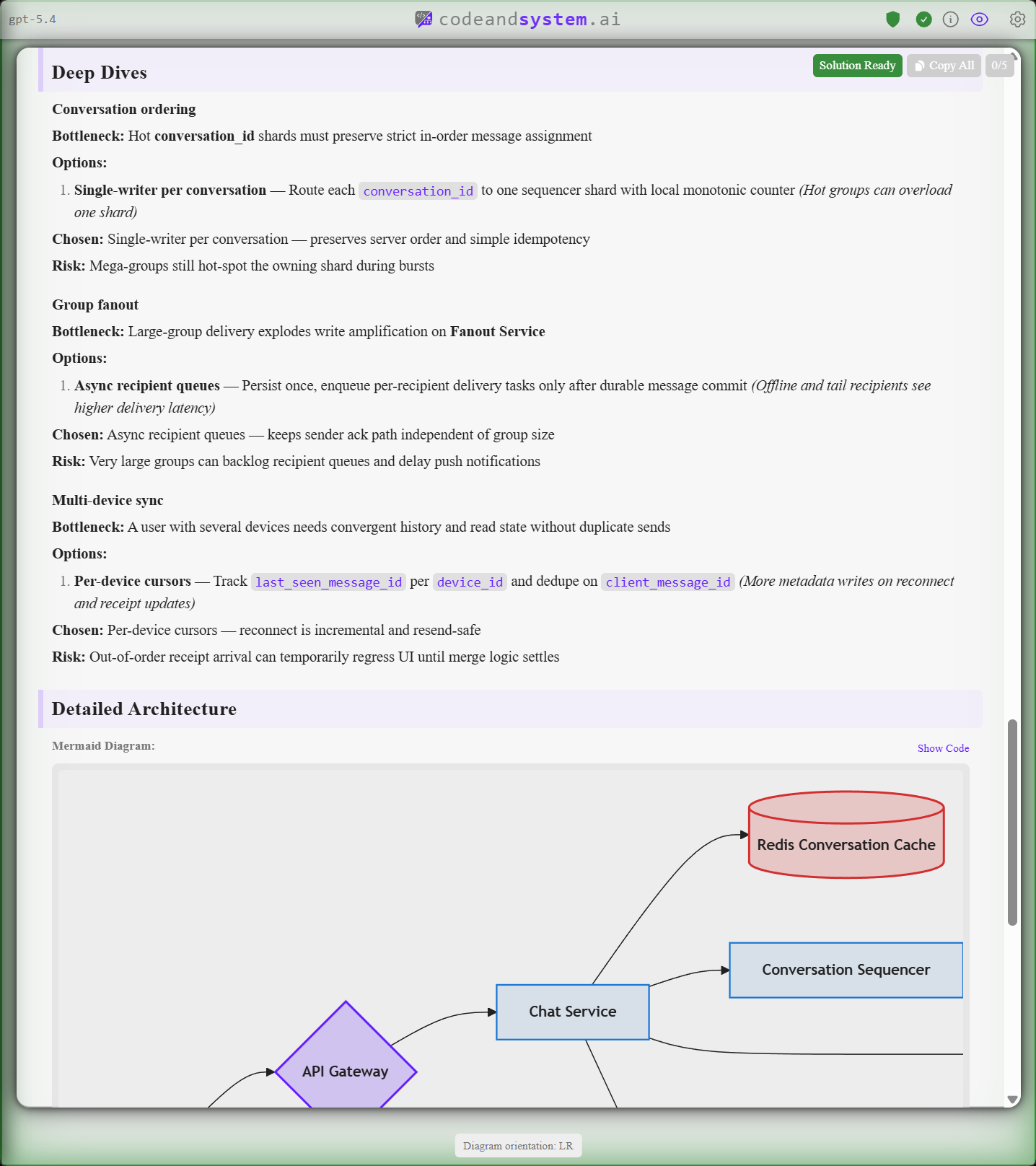
System design is where generic AI output usually falls apart. A diagram isn't an answer — you need requirements, scale assumptions, APIs, data models, bottlenecks, and tradeoffs. And the right depth depends on the bar you're targeting.
CodeAndSystem.ai lets you set the seniority level. A mid-level answer, a senior answer, and a Staff answer shouldn't look identical, and they don't.
Built for engineers who already AI-prep
CodeAndSystem.ai is for software engineers actively preparing for coding and system design interviews, or already in an interview loop. It's especially useful if you:
- Practice coding problems and want structured explanations, not chat transcripts
- Are preparing for senior or staff system design rounds
- Want one tool that covers both interview tracks
- Already use AI for prep but find the chatbot workflow slow
Your keys, your provider, your screen
Bring-your-own-key mode sends requests from your machine directly to OpenAI or Anthropic. Your API key lives in your OS keychain, not a plaintext config. Screenshots and prompts don't pass through our servers.
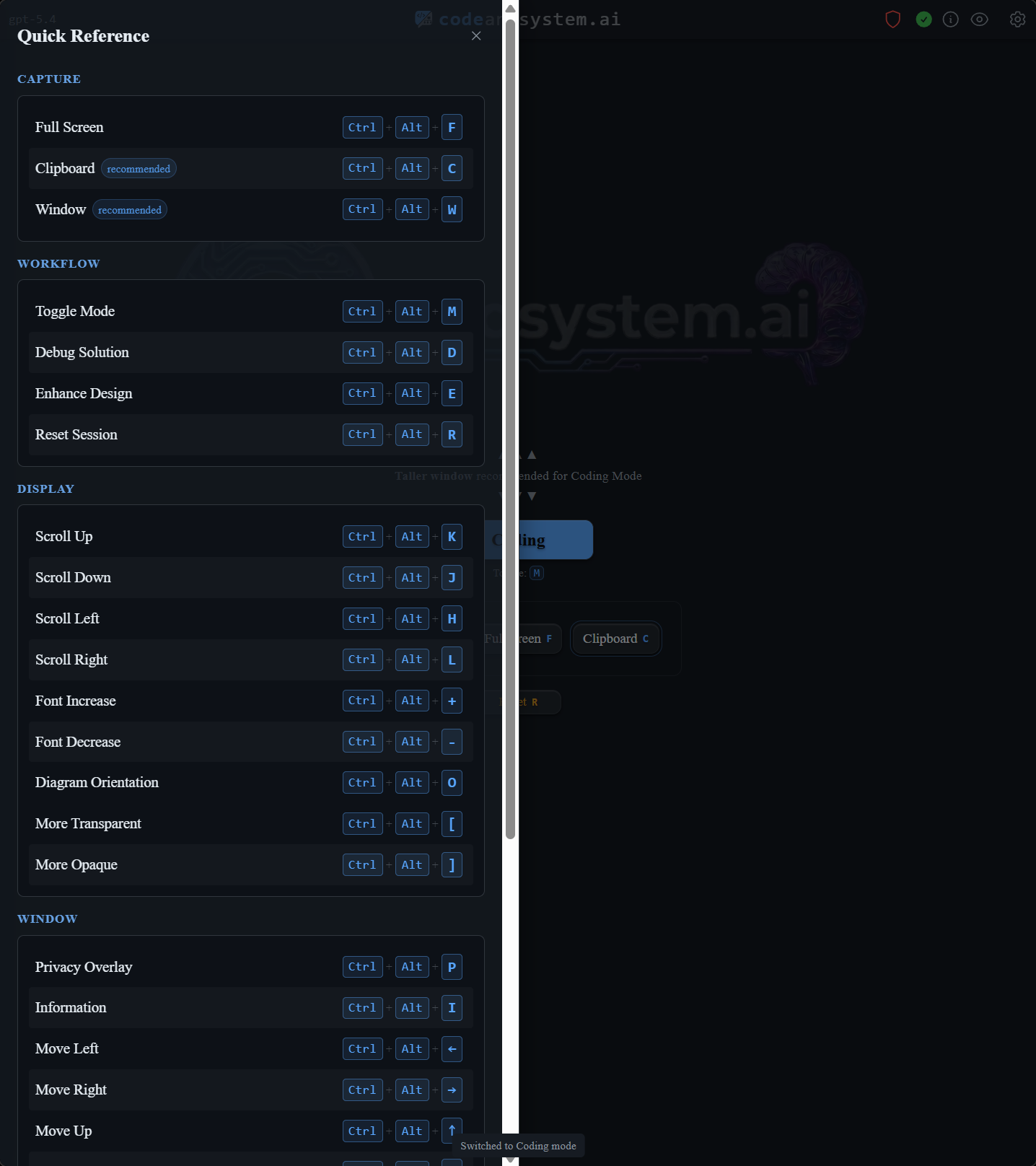
Privacy Mode excludes the app window from screen capture on Windows using OS-level APIs, and uses an overlay approach on macOS and Linux.
Try the workflow
Free trial: 5 solutions in a 30-minute window, no credit card required.
Download at codeandsystem.ai/download.