ChatGPT Is the Wrong Interface for Technical Interviews
General-purpose chatbots are powerful. Coding and system design interviews need a faster, screen-aware workflow — and the chat box isn't it.
Most engineers already know ChatGPT and Claude can help with coding problems. That isn't the argument.
The argument is the interface. A chat box is built for conversation. Technical interviews are built around pressure, constraints, and visual context — a problem on a LeetCode page, a diagram on a whiteboard, a stack trace in a terminal. Copy-paste throws most of that away. Retyping is worse.
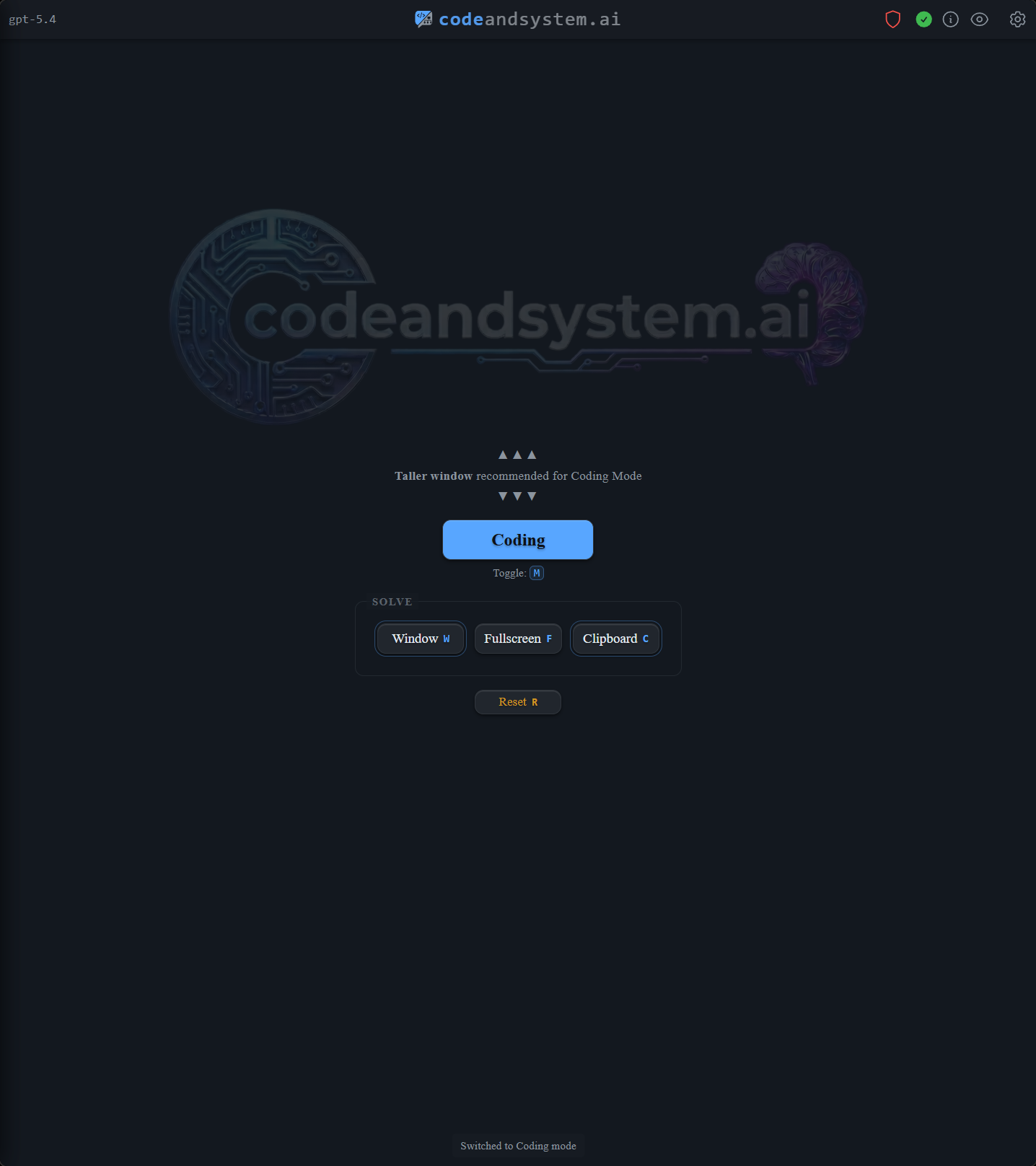
So we built CodeAndSystem.ai around the workflow instead of the conversation.
Chatbots cost context switches you can't afford
A LeetCode prompt has examples, constraints, and formatting that matter to the answer. A system design prompt may live on a whiteboard, in a shared doc, or in a screen share. A bug is usually three things at once: the error, the surrounding code, and the stack trace pointing between them.
Copy-paste flattens all of that into text. The model loses fidelity. You lose time turning visual information into prose.
During an interview, every alt-tab is visible and every wall of generic prose is one more thing to parse out loud. The model can handle the problem. The interface gets in the way.
Screen capture in, structured answer out
CodeAndSystem.ai replaces the chat box with two surfaces: your screen, and an always-on-top output window.
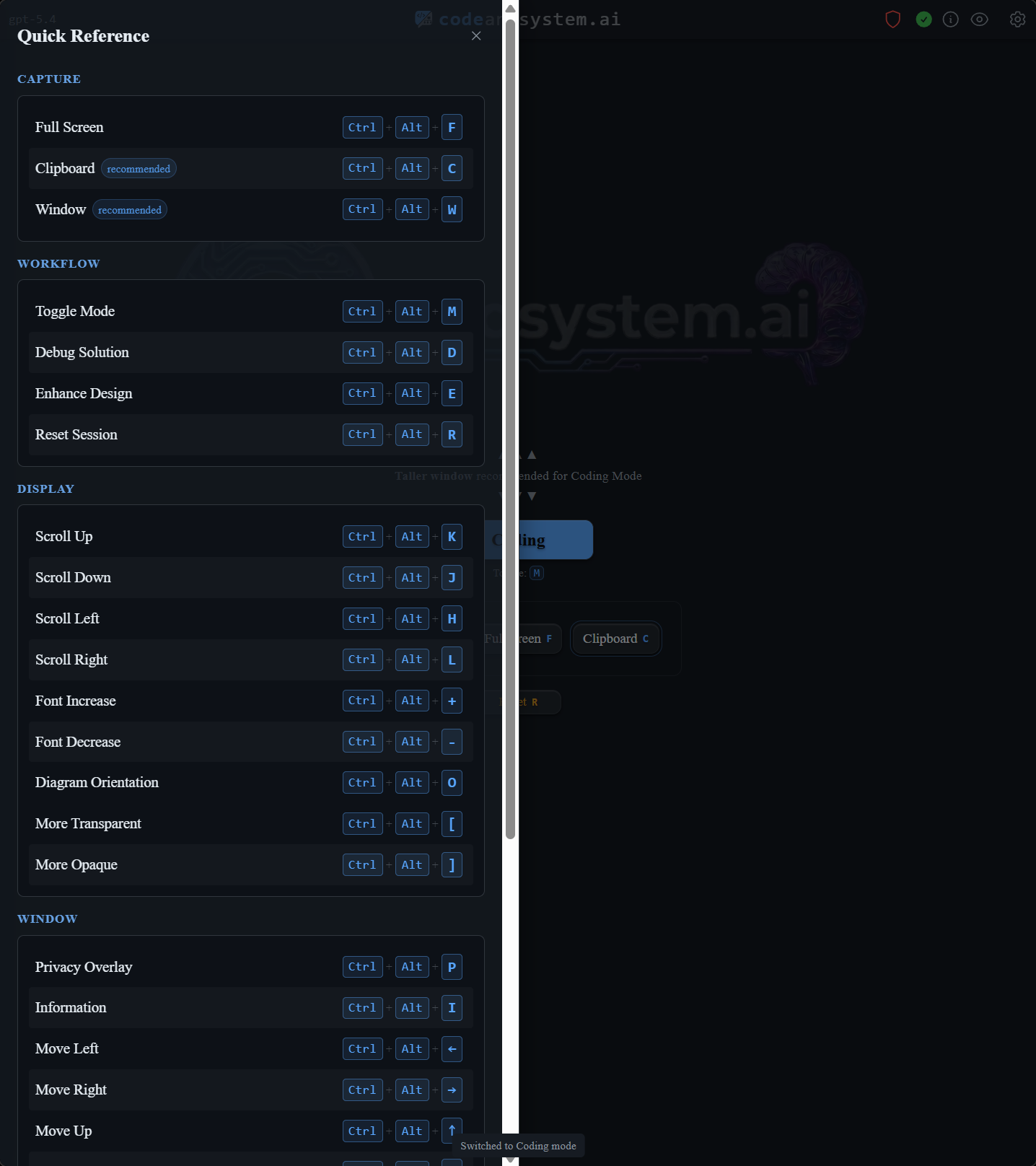
Hit a hotkey. Capture the prompt — wherever it lives. The response is shaped for the interview, not for chat.
Coding mode returns the approach first, then a working solution, then complexity, then edge cases, then a hook for follow-ups when constraints shift.
System design mode returns requirements, scale assumptions, APIs, data models, architecture choices, bottlenecks, tradeoffs, and Mermaid diagrams — calibrated from new-grad to Staff depth, because the right answer depth depends on the bar you're targeting.

Prep and performance, one workflow
The tool you practice with should be the tool you use when it counts. Switching tools under pressure is the same mistake as practicing on one keyboard and interviewing on another.
CodeAndSystem.ai is designed so the prep loop and the live loop are the same loop. Same hotkeys, same desktop window, same shape of answer. No translation step.
Try the loop
Free trial: 5 solutions in a 30-minute window, no credit card.
Try it at codeandsystem.ai/download.